
HDR artwork – no swimming
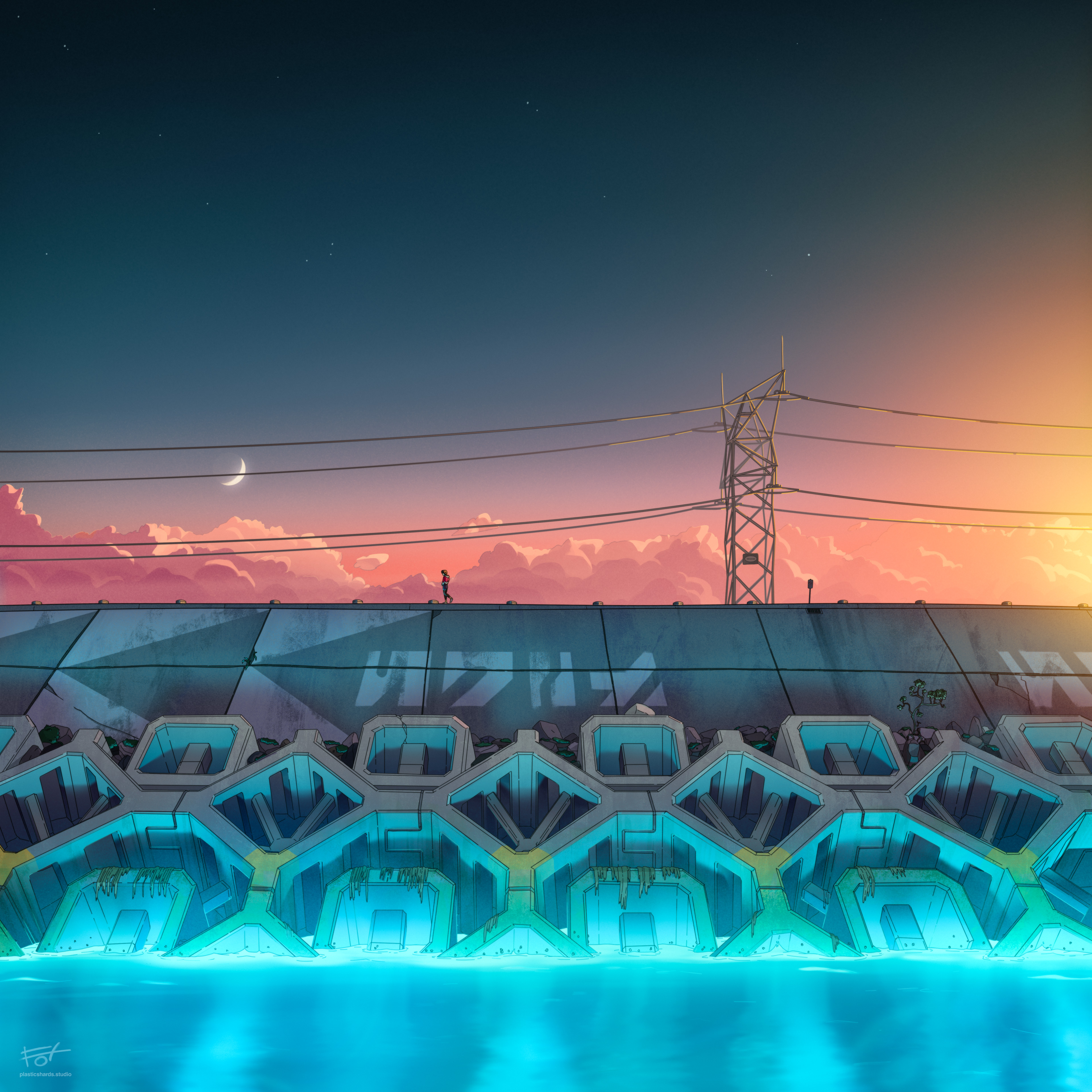
The artwork below should appear like it has a very high range of contrast between the brightest and darkest areas. If it looks badly over-exposed or washed-out compared to the SDR JPG, you probably don’t have an HDR display!
On an HDR-capable iPhone or iPad? Scroll to the bottom to see HDR-viewing instructions.
HDR JPG-p3:

SDR JPG:
How to see HDR images:
Apple XDR:
- Viewable on M1 (or newer) MacBook Pro screens in Chrome (not supported in Safari.)
- Viewable on iPhone Pro or M1 (or newer) iPad Pro by saving the image to Apple Photos app and viewing there.
- Set your screen brightness to around 50%. HDR requires available overhead to drive pixels to max brightness. If set too high, the highlight areas will clip.
Windows or Mac (Non-XDR Display):
- HDR capable OLED screen/TV is recommended. If using an LCD-based HDR screen, it MUST have full array local dimming (FALD) backlight.
- You must use Chrome. (Currently Chrome is the only web browser that supports HDR color images.)
- Make sure HDR is enabled in system settings.
- If the HDR images look flat or washed out with clipped bright values, then your screen may not have enough rated range for HDR, you need to calibrate your HDR, or you actually don’t have an HDR display.

if HDR is working, this gradient should appear MUCH brighter than the webpage surrounding it, with a smooth gradient from a radiant white to black.